You open the AppOne Mobile App using a URL. This link is linked to a Map website. The below URL is linked to the “littledenmark/test” Map website.
Step 1: Click the URL
https://apponeserver.talent-oases.com/VIP/sites/littledenmark/test/tracker
The first you see is this screen. Note the top right status area where it reads “Idle”.
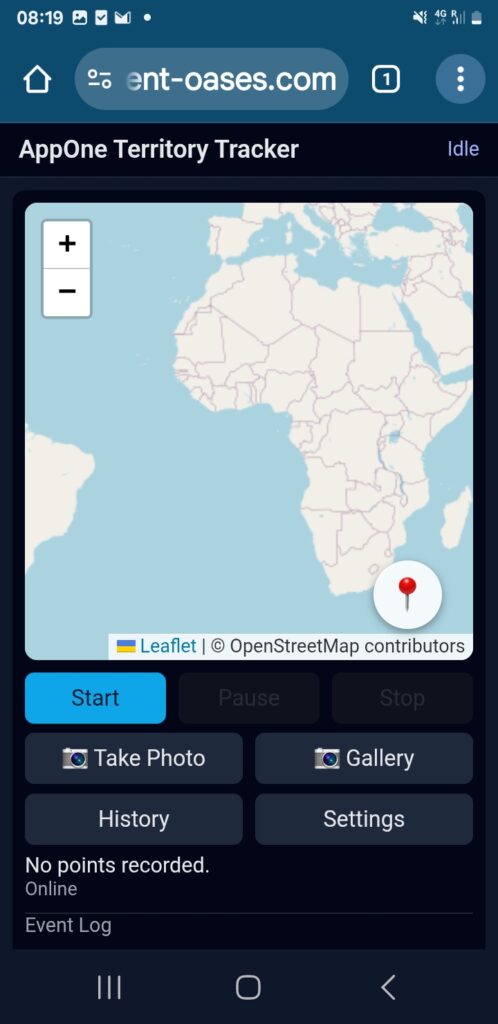
Step 2: Tap the “Take Photo” button.
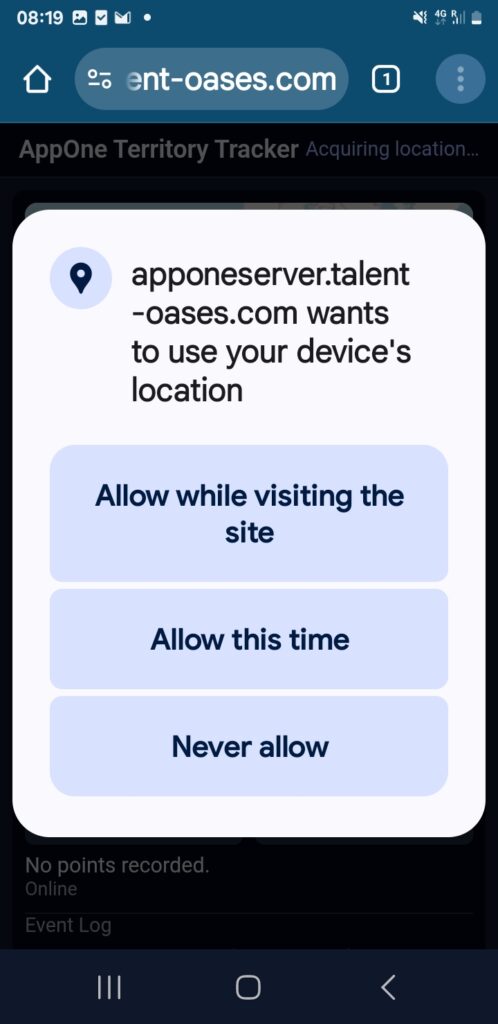
You may need to give location permission. Tap “Allow while visiting the site” or “Allow this time only“.
Notice, in the background, the status area reads “Acquiring location…”
When it has found your location, it will will zoom in on the Map where you are and the Status area will read “Location found”.
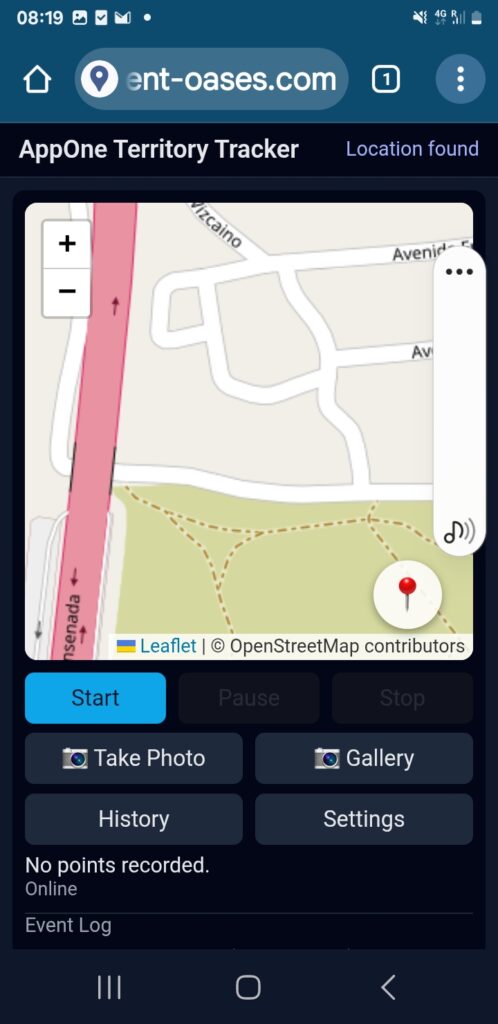
Now it is ready, tap “Take Photo” again. It may again ask for location permission, but immediately after it will now open your Camera.
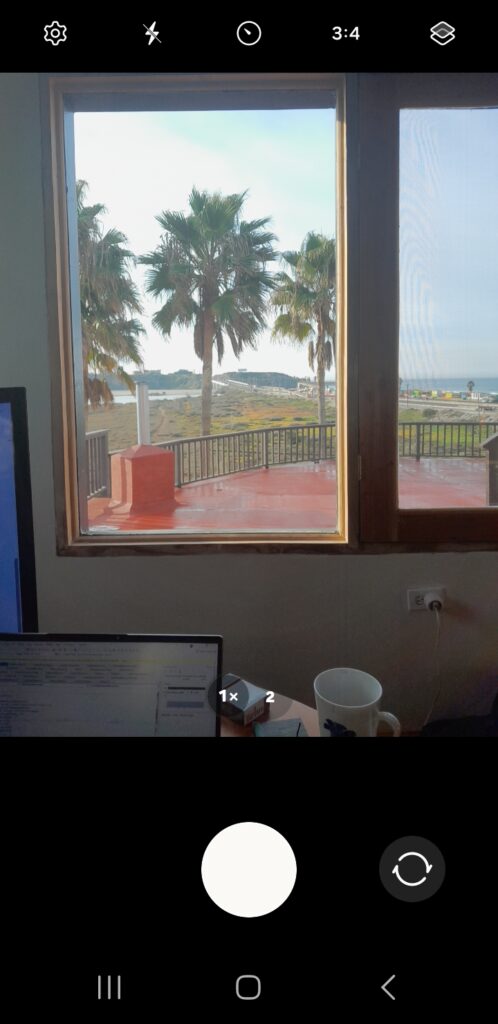
You can switch between front and rear camera using the right side button.
Tap the middle button to take a Photo.
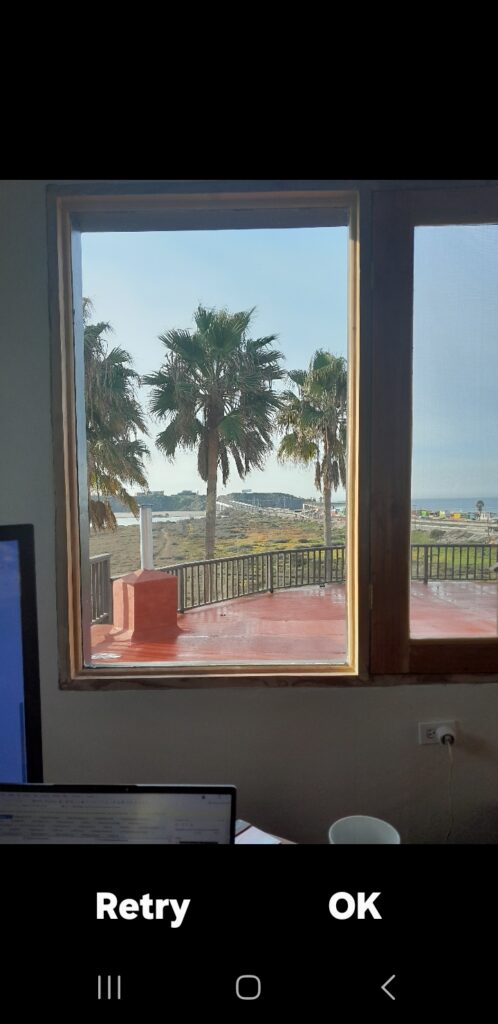
Tap OK (or Retry if needed)
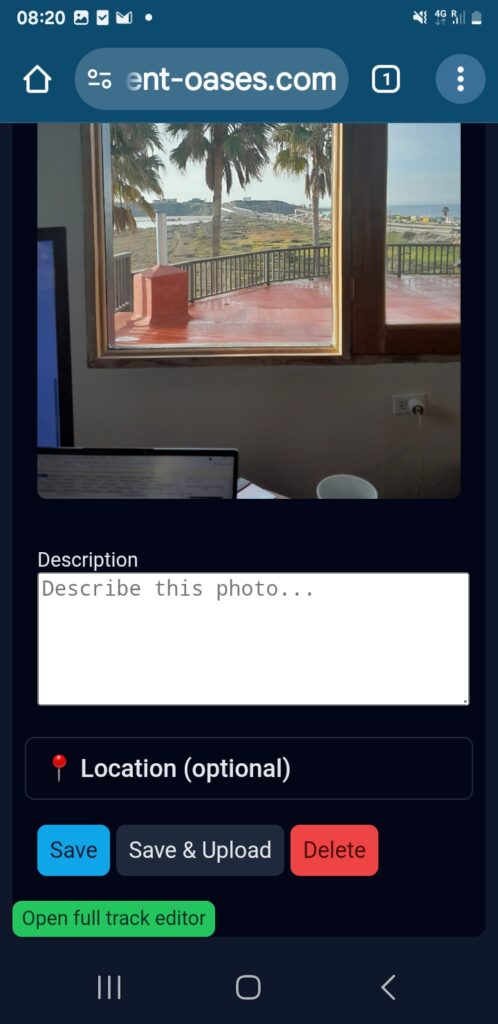
In the next screen you can write a description. The description will be the text that comes on the Map website.
When finished, you can tap Save (It will save on your phone only, you can later edit and upload from History).
Or you can tap “Save & Upload” – it will immediately give you a “Track Saved” message and after some seconds, when upload is completed, you will get an “Upload Completed” message.
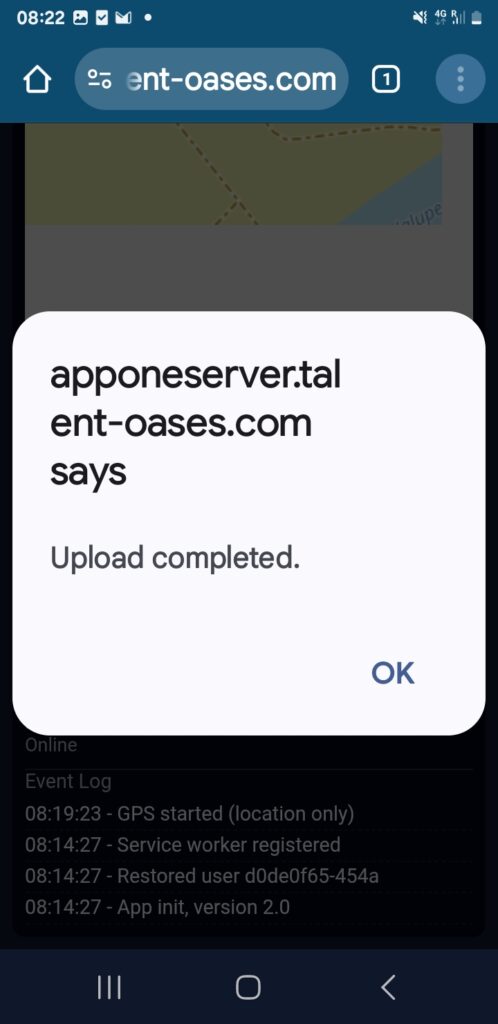
That’s it, you have done your part.
The next that will happen, is that the administrator of the site will download your contribution to the AppOne Windows App on his or her laptop or pc and from there also upload it to the Map Website linked to this App.
So if you take a photo, add text and upload using the link at the top of this user guide, your photo and text will come to appear on this “littledenmark/test” Map website, when the administrator has uploaded it.
You can also take a walk or drive, by clicking Start (Then you will see the status saying “Tracking…” and you can take photos while you walk. After the walk you can upload the track and it will come to appear on the map as a green line with the photos as popups along your route.
Enjoy, and if you have any questions, please write a post on Facebook in the #littledenmark AppOne group or on Telegram in the Little Denmark Chat group.